
Free YouTube Thumbnail Maker
Make click-worthy YouTube thumbnails in minutes. Start from 40+ proven layouts, cut out your face with a white outline in one click, add bold text effects, and preview how it looks in the video feed before you upload.
Start from a template
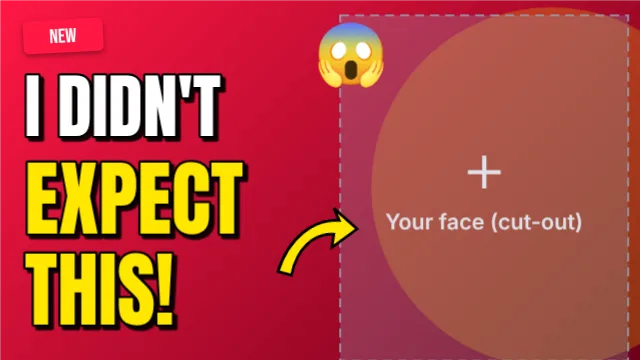
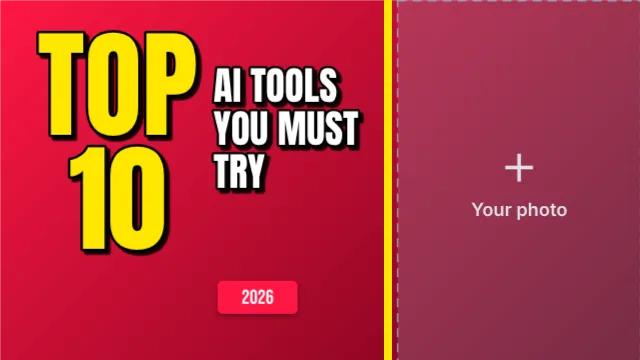
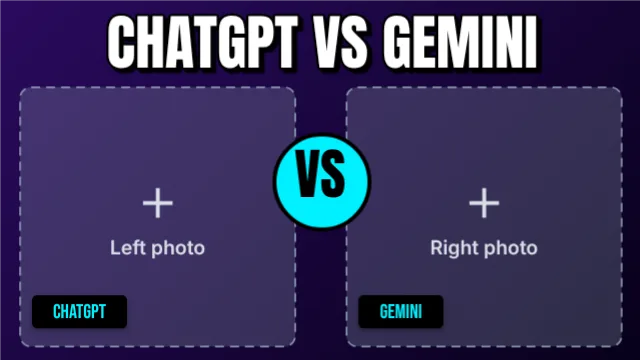
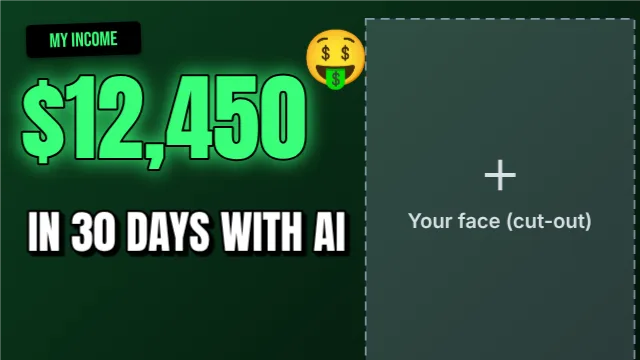
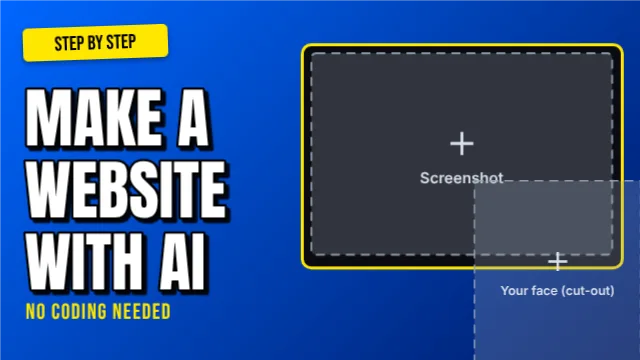
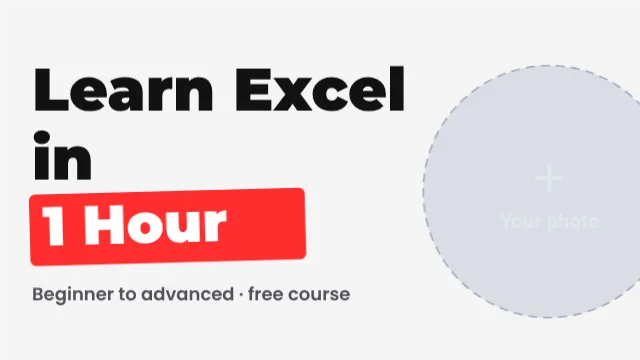
Tap a template to open it in Postly and make it yours.
What you can do
Face cut-out + outline
Remove the background from your photo and add the classic white outline in one click.
Thumbnail from a title
Type your video title and AI picks a layout, writes a short hook and creates a background.
Bold text effects
Thick outline, hard shadow, neon, 3D and gold effects made for small screens.
Feed preview & A/B compare
See your thumbnail at real feed sizes, and put two versions side by side.
Thumbnail score
Get warnings for text that is too small, low contrast or a face that is too small.
Import from a YouTube link
Paste any video link to pull in its title and current thumbnail, then redesign it or compare.
One-click pop & background blur
Brighter colours and sharper detail in one tap, and blur the background so you stand out.
Ready for YouTube
Download a 1280×720 JPG that is always under YouTube's 2 MB limit.
How it works
- Pick a layout or type your titleChoose a template, or let AI build one from your video title.
- Add your faceUpload a photo and tap Face cut-out.
- Write a 2–4 word hookBig, high-contrast words that add to the title, not repeat it.
- Preview and downloadCheck it in the feed preview, then download the YouTube-ready JPG.
What makes a thumbnail get clicks?
Most viewers decide in under a second, usually on a phone where your thumbnail is only about 160 pixels wide. The thumbnails that win share a few habits: one clear subject (usually a face showing emotion), no more than four words of text, strong contrast between text and background, and one focal point such as an arrow or circle that tells the eye where to look.
Avoid repeating your title in the thumbnail. The title and thumbnail should work as a pair: the thumbnail creates curiosity, the title explains. Use Postly's thumbnail score and feed preview to check readability at small sizes before you publish, and test two versions with A/B compare.
Frequently asked questions
Is the YouTube thumbnail maker really free?
Yes. Templates, text effects, face cut-out, feed preview and downloads are free with no signup and no watermark. AI features have a free daily limit.
What size should a YouTube thumbnail be?
1280×720 pixels (16:9), under 2 MB, in JPG or PNG. Postly's "Download for YouTube" button gives you exactly that.
Can I remove the background from my face photo?
Yes. Select your photo and tap Face cut-out. The background is removed in your browser and a white outline is added.
Can I see how my thumbnail looks before uploading?
Yes. The feed preview shows it at desktop, sidebar and phone sizes, in light and dark mode, and you can compare two versions side by side.
Can I redesign the thumbnail of a video I already uploaded?
Yes. Paste the video link under Import a YouTube video. Postly loads the title and the current thumbnail so you can score it, make better ideas from the title, or compare old and new side by side.
Does it work on mobile?
Yes. Postly works in your phone's browser, with pinch-to-zoom and large touch controls.
More free design tools
Free Ad Creative Maker
Design high-converting ads for Facebook, Instagram, TikTok and Google Display in one place.
Open free toolYouTube Banner & Channel Kit Maker
Create a complete YouTube channel kit: channel banner with the safe area that shows on every device, profile picture, end screen and Shorts cover.
Open free toolFree QR Code Maker
Make a QR code for your WhatsApp number, website, phone or any text, then place it straight onto your flyer, menu, business card or poster.
Open free toolFree Background Remover
Remove the background from any photo in one click, right in your browser.
Open free toolInstagram Post & Story Maker
Design Instagram posts, carousels, Stories and Reel covers with ready templates, free photos and icons, and AI captions and hashtags.
Open free toolEid Mubarak Card Maker
Make beautiful Eid ul Fitr and Eid ul Adha greetings, Ramadan posts and Jumma Mubarak designs with Urdu and English text, Islamic arches, crescents and gold styles.
Open free toolPrefer us to design it?
Our team makes thumbnails, ads, flyers and social posts for you. Send your details on WhatsApp.