
YouTube Banner & Channel Kit Maker
Create a complete YouTube channel kit: channel banner with the safe area that shows on every device, profile picture, end screen and Shorts cover. All in matching colours and fonts.
Start from a template
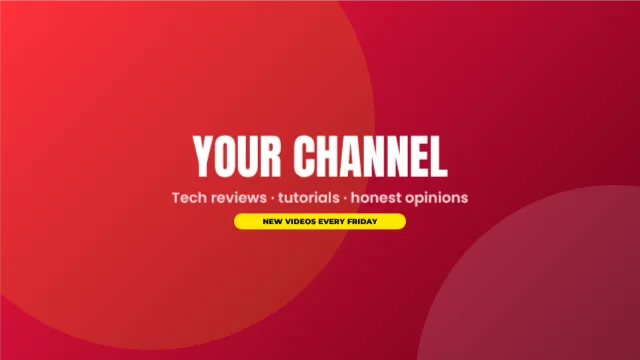
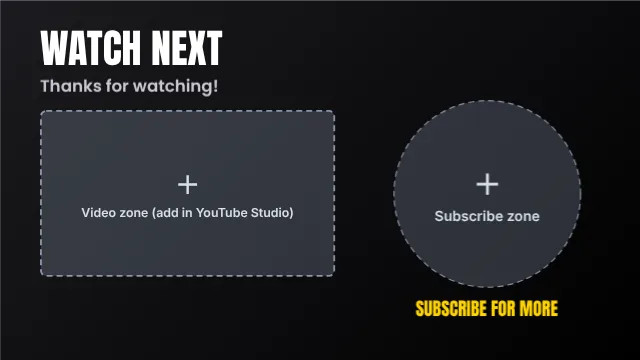
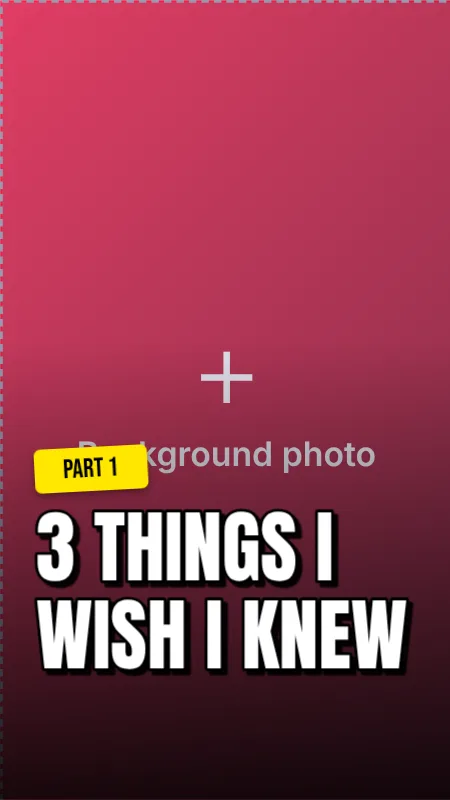
Tap a template to open it in Postly and make it yours.
What you can do
Safe-area guides
See exactly which part of your 2560×1440 banner shows on phones, desktops and TVs.
Profile picture
An 800×800 design that looks sharp in the round crop.
End screen
1920×1080 with the video and subscribe zones marked.
Shorts cover
1080×1920 covers that match your channel.
Brand kit
Save your logo, colours and fonts once and reuse them.
Free downloads
PNG or JPG, no watermark, no signup.
How it works
- Open the channel kitPick the banner, profile, end screen or Shorts cover.
- Turn on safe zonesKeep your name and key text inside the marked area.
- Add your brandingApply your brand kit in one click.
- Download each pieceUpload them in YouTube Studio → Customisation.
Getting your channel banner right
YouTube shows different parts of the same 2560×1440 banner on different screens. Only the centre 1546×423 area is visible everywhere, so your channel name, upload schedule and main message must sit there. Use the outer areas for background colour and texture only.
Frequently asked questions
What size is a YouTube banner?
2560×1440 pixels, with a safe area of 1546×423 in the centre that is visible on all devices.
What size is an end screen?
Design it at 1920×1080. Leave the marked zones free for the video and subscribe elements you add in YouTube Studio.
What size is a YouTube profile picture?
800×800 pixels. It is shown as a circle, so keep your logo in the centre.
Is it free?
Yes, completely free with no watermark.
More free design tools
Free YouTube Thumbnail Maker
Make click-worthy YouTube thumbnails in minutes.
Open free toolFree Ad Creative Maker
Design high-converting ads for Facebook, Instagram, TikTok and Google Display in one place.
Open free toolFree QR Code Maker
Make a QR code for your WhatsApp number, website, phone or any text, then place it straight onto your flyer, menu, business card or poster.
Open free toolFree Background Remover
Remove the background from any photo in one click, right in your browser.
Open free toolInstagram Post & Story Maker
Design Instagram posts, carousels, Stories and Reel covers with ready templates, free photos and icons, and AI captions and hashtags.
Open free toolEid Mubarak Card Maker
Make beautiful Eid ul Fitr and Eid ul Adha greetings, Ramadan posts and Jumma Mubarak designs with Urdu and English text, Islamic arches, crescents and gold styles.
Open free toolPrefer us to design it?
Our team makes thumbnails, ads, flyers and social posts for you. Send your details on WhatsApp.